Download any report in a Workspace to Excel or PDF.
Prerequisites
- A report is open in a Workspace.
Step-by-Step Guide
Step 1: Open the Download Menu
Select the download icon at the top right of the report.
Step 2: Choose a Format
Select Excel or PDF. The file downloads to your computer.
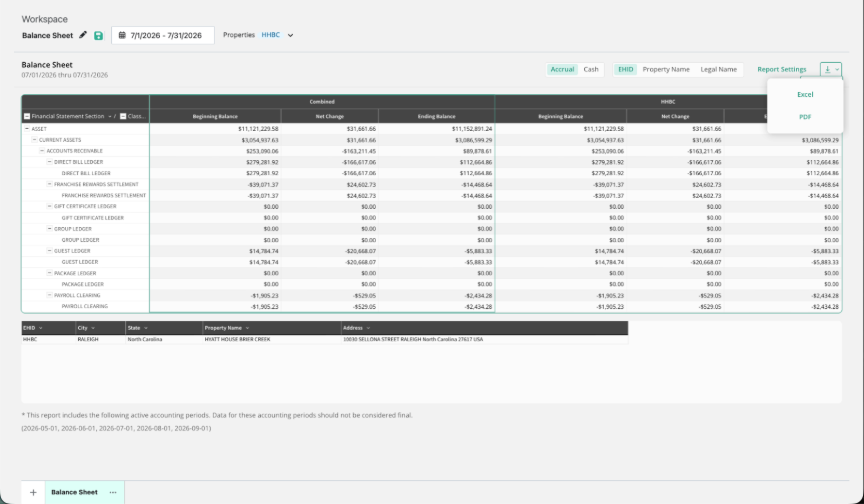
NOTE: Export downloads the report in the current tab. To export several reports, export each tab.
Summary
- Use the download icon to export to Excel or PDF.
- Each tab exports separately.
Was this article helpful?
That’s Great!
Thank you for your feedback
Sorry! We couldn't be helpful
Thank you for your feedback
Feedback sent
We appreciate your effort and will try to fix the article