Inn-Flow Procurement is now accessible using a Single Sign On (SSO) process within the navigation menu.
To access Procurement, you must first have an active subscription to the module, as well as the proper permissions granted within Roles & Permissions. Reach out to your Customer Success Manager for more information on subscribing if you are not already!
Roles & Permissions
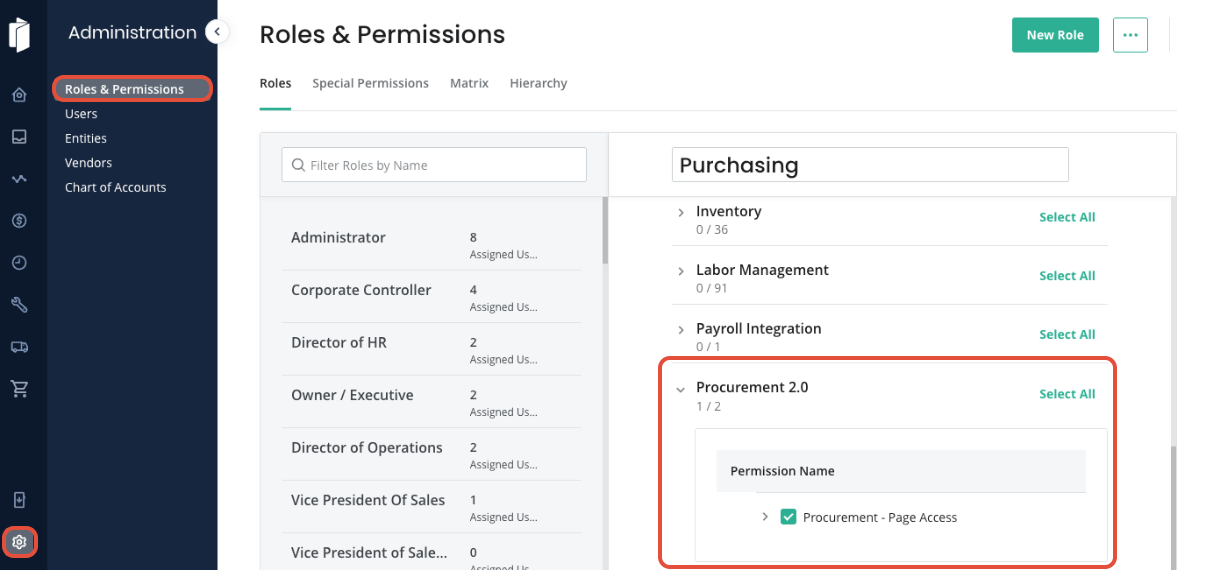
For the Module to be displayed in the Navigation menu, the user must have the permission granted. Navigate to Administration > Roles and Permissions, and locate the Role that you'd like to edit. Then, use the search bar to locate the Procurement 2.0 Permission.
Enable Procurement - Page Access and Save Changes.
Accessing Procurement
Once the permission has been granted, users assigned to that Role will see a Procurement icon inside of Inn-Flow in the navigation bar.
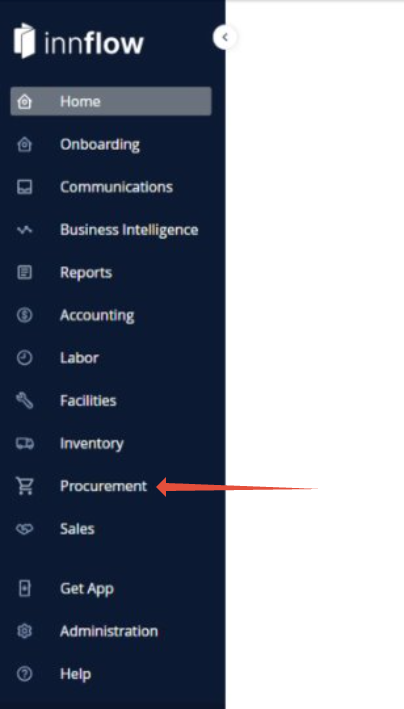
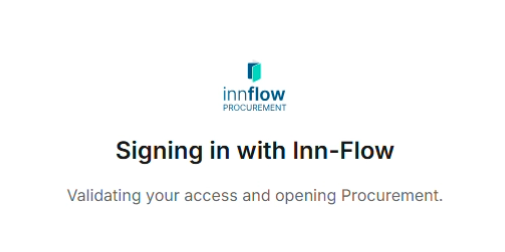
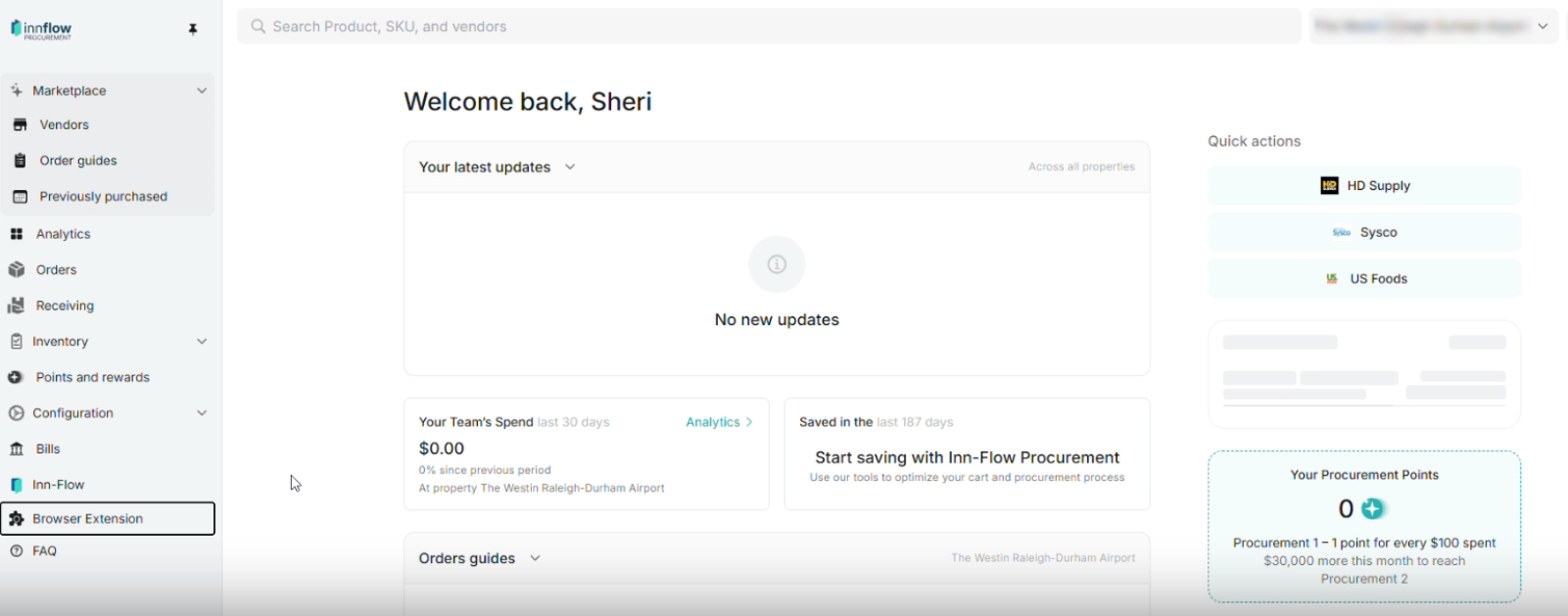
Clicking on Procurement will open a new tab, validating your access, then displaying the Procurement module.
Was this article helpful?
That’s Great!
Thank you for your feedback
Sorry! We couldn't be helpful
Thank you for your feedback
Feedback sent
We appreciate your effort and will try to fix the article