What a Voucher Is
Every reimbursement produces a printable voucher. The voucher is your audit artifact — it shows exactly which transactions were covered and the resulting accounting entry.
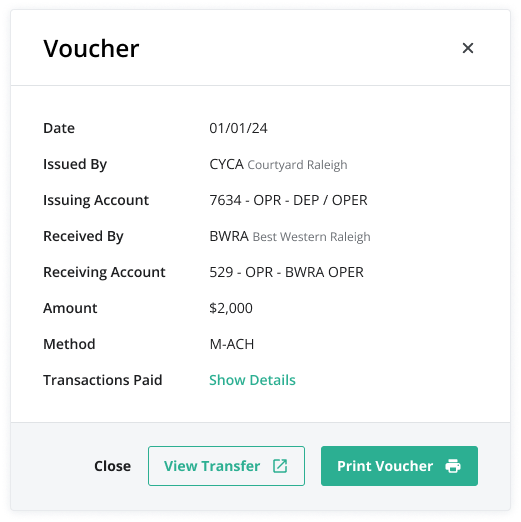
What the Voucher Shows
- Reimbursement number, date, and status
- Selected entity + counterparty
- Each included transaction, with date, type, and amount
- A Net Total row that reflects the net value posted
- GL / COA impact based on the net only
Display Conventions
- Negative transactions are shown in parentheses (no red text).
- The Description column is not included on the printed voucher to keep the artifact focused on the accounting record.
- The voucher reflects the net only. Individual positive and negative lines are shown for transparency, but the GL posting and the Net Total line match.
Printing and Exporting
Vouchers can be printed directly or exported as a PDF from the reimbursement detail view.
Was this article helpful?
That’s Great!
Thank you for your feedback
Sorry! We couldn't be helpful
Thank you for your feedback
Feedback sent
We appreciate your effort and will try to fix the article