Within the Inn-Flow Mobile App, you can easily manage your Accounts Payable while on the go, to complete important tasks such as adding new draft invoices, reviewing, and approving them!
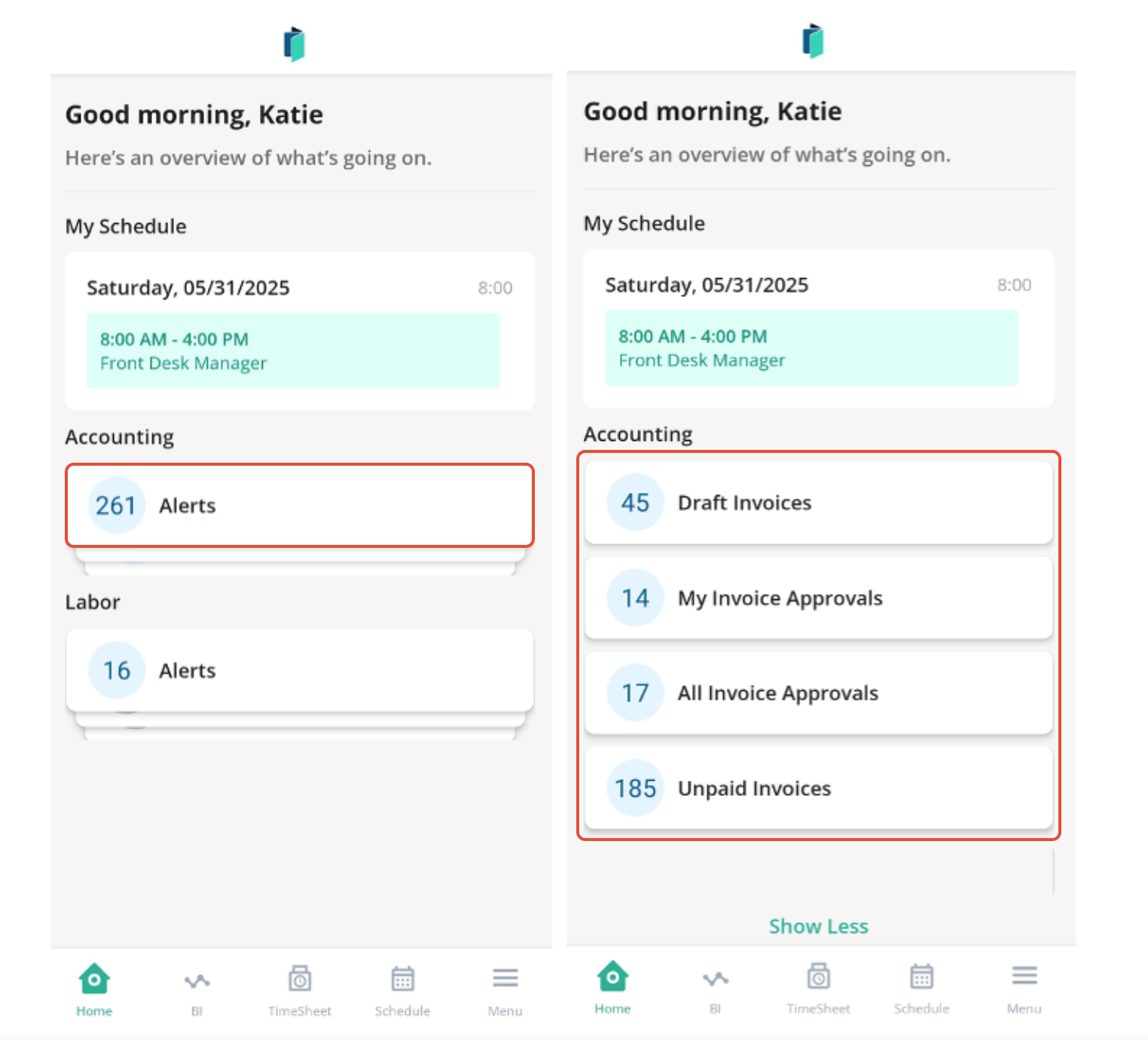
From your Home page, you'll see your Task list for Accounting, which can be expanded to see all of your alerts. Click on the alert to complete the task.
Or, use the bottom navigation menu to reach Accounting:
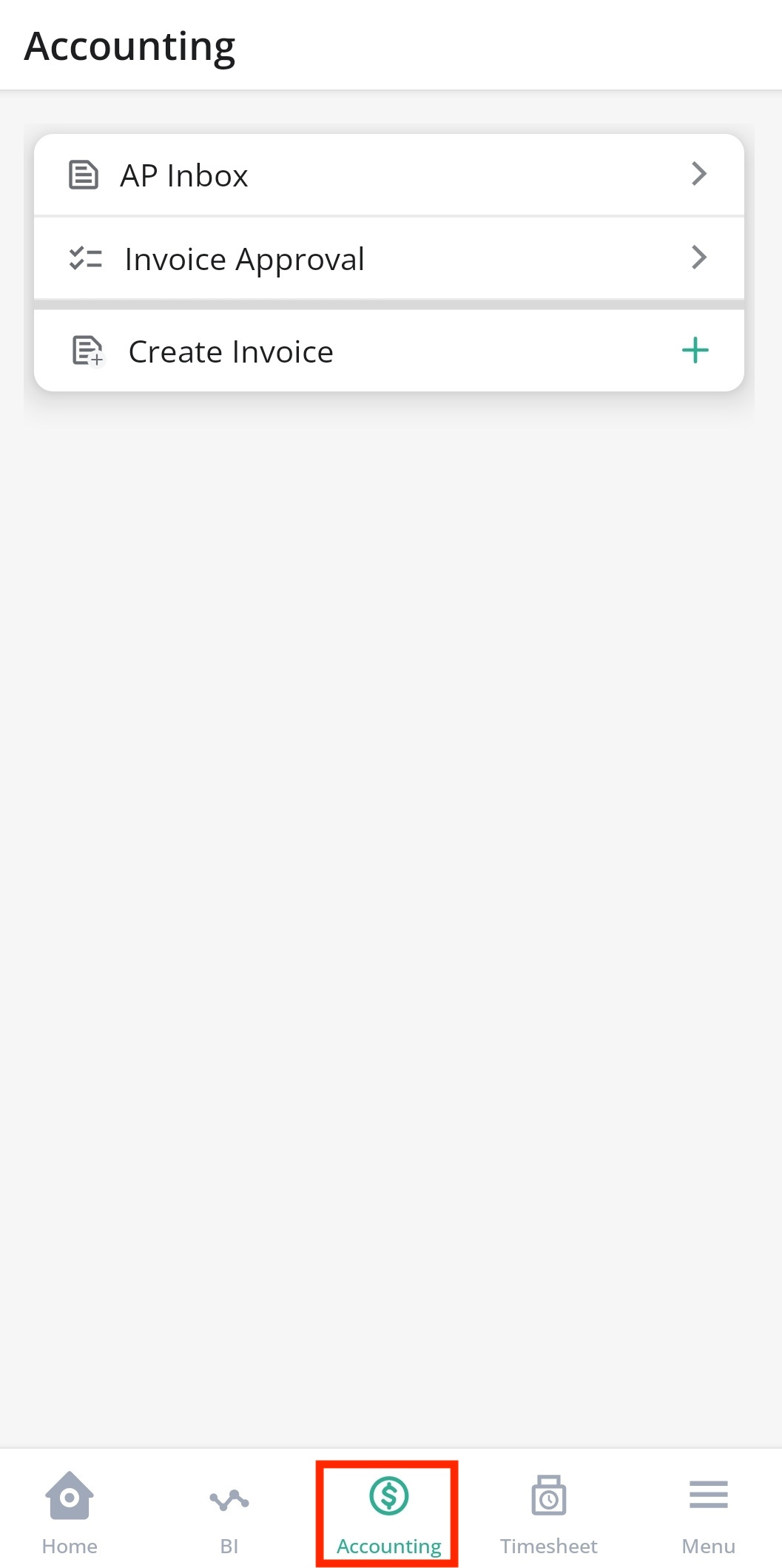
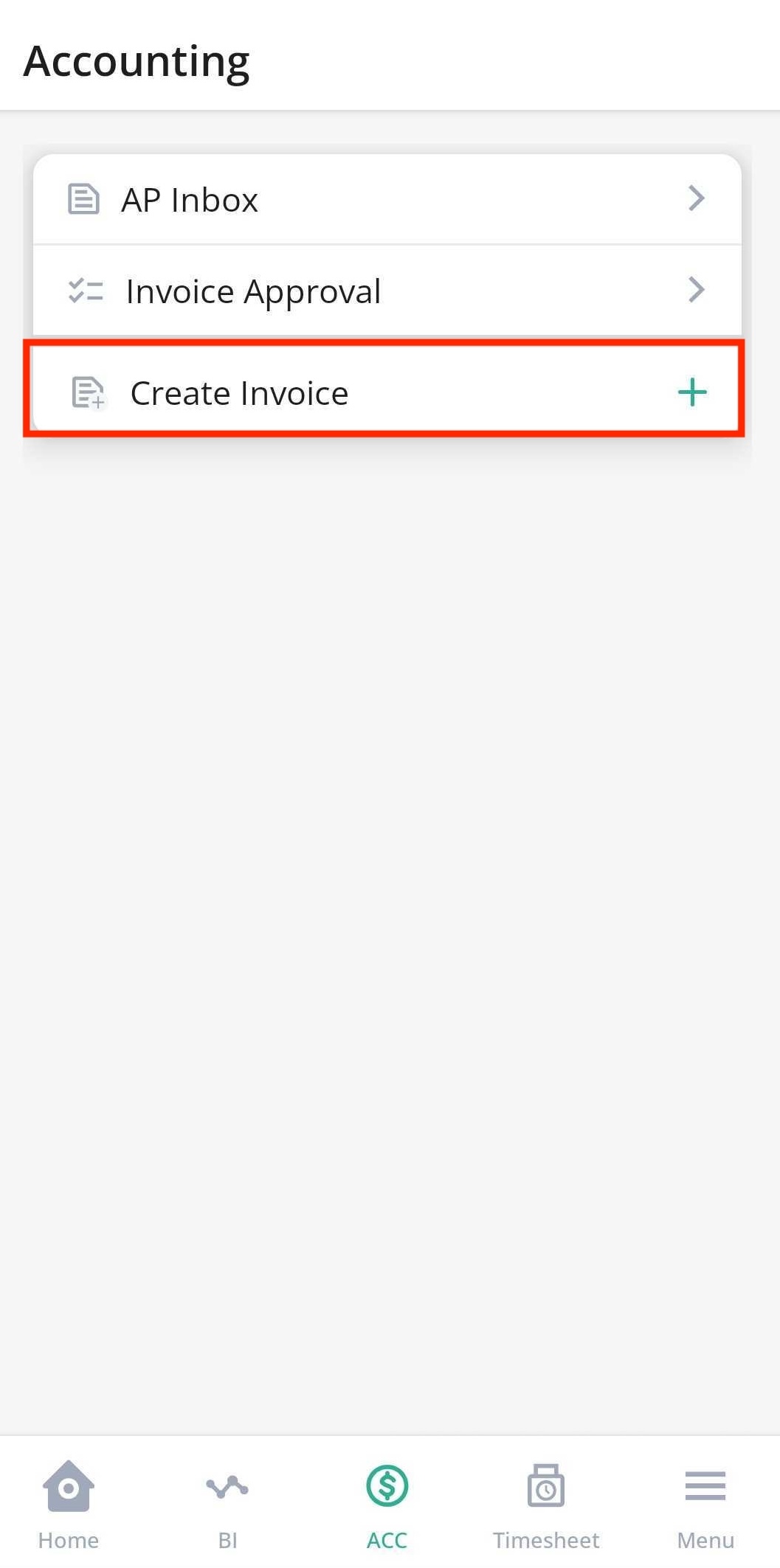
Add an Invoice
- From the Accounting menu, select Create Invoice
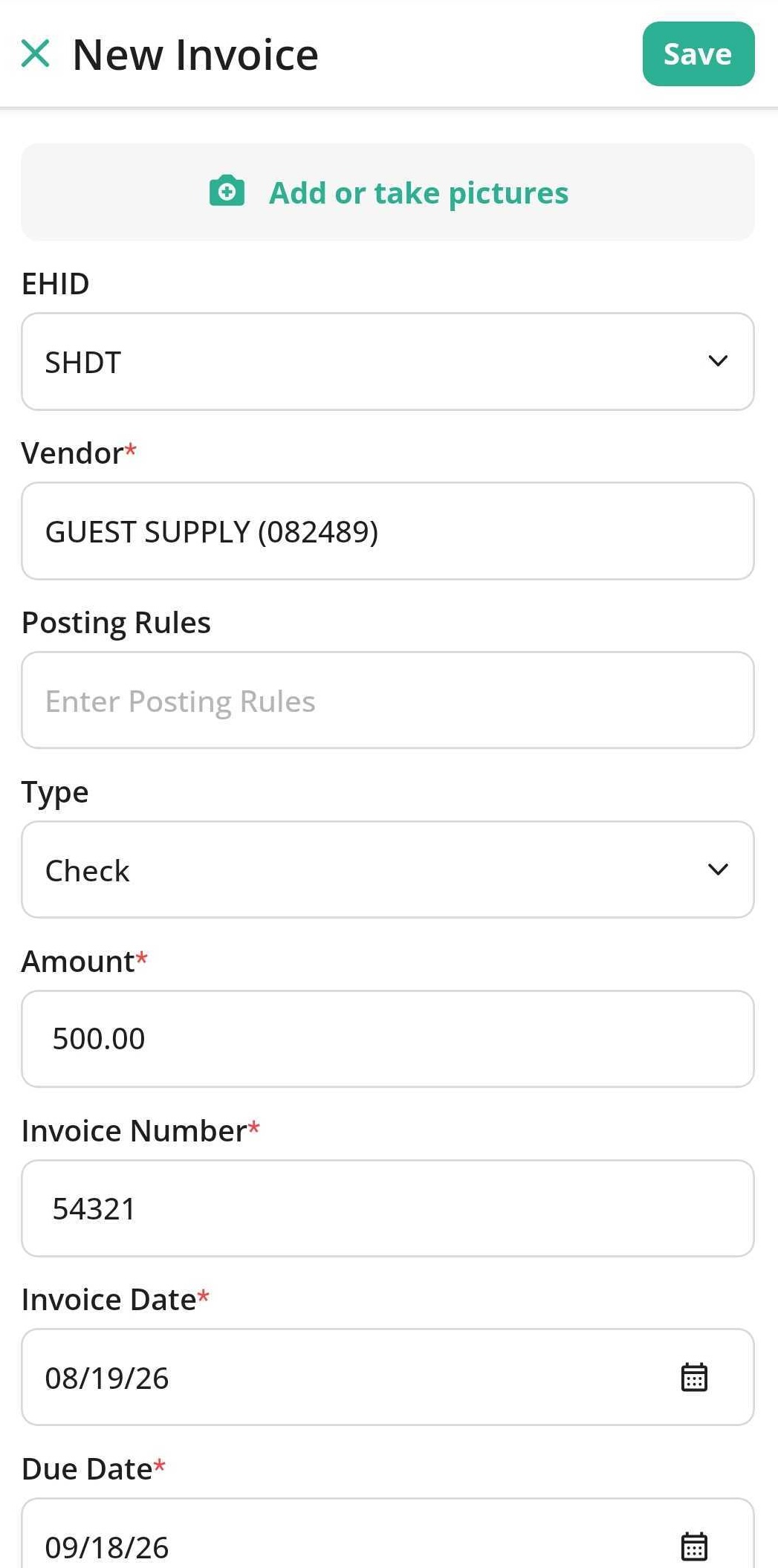
- Enter the Invoice details, add an image or take a picture of the Invoice, and Send to Approval.
Invoice Review and Approvals
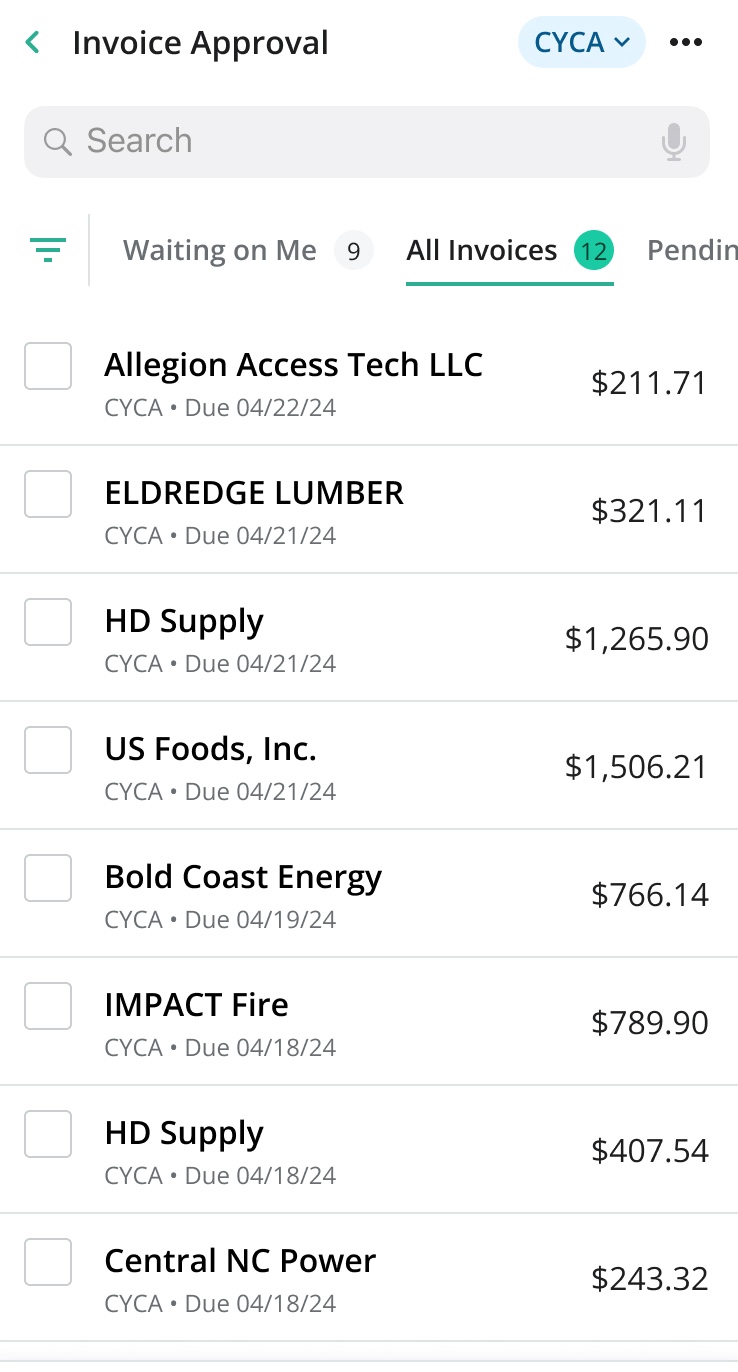
- View and Approve Invoices — Review a list of invoices requiring approval, swipe right to approve them, or use bulk approval options.
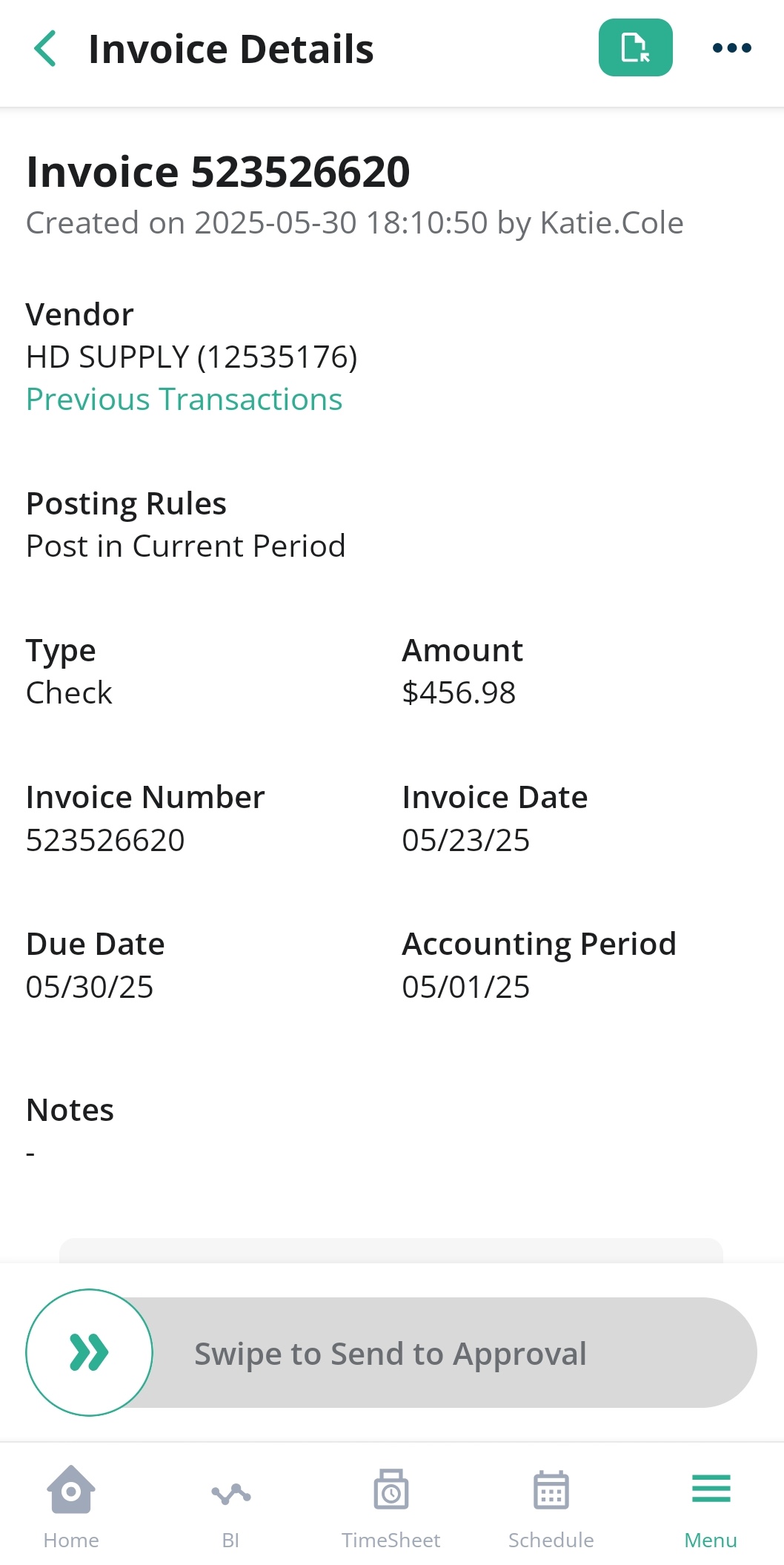
- Invoice Detail Review — Click on an invoice to open the detailed view to see dates, line items, COAs, attached files, and comments.
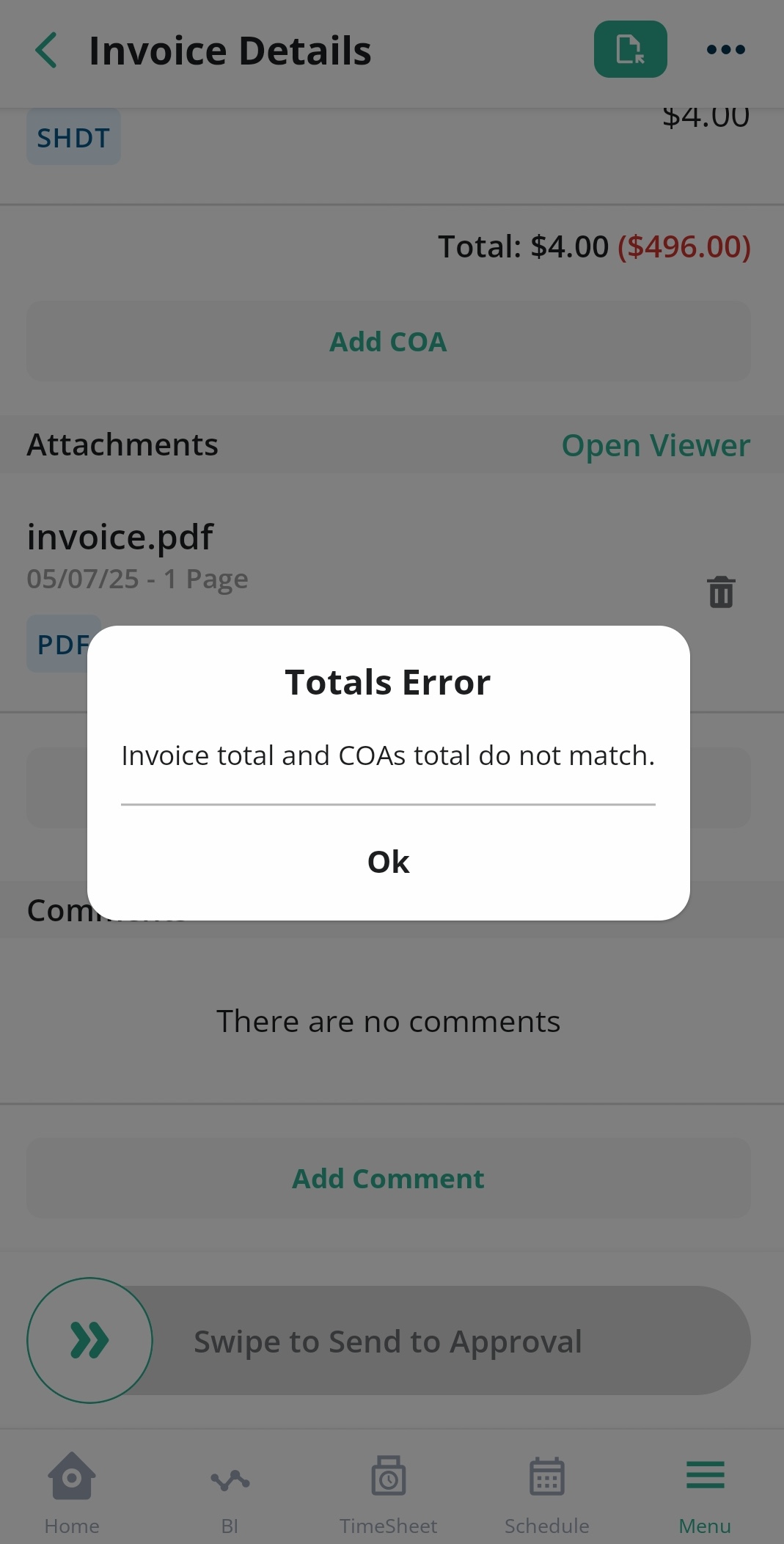
- Error Handling for Invoices — Identify and correct issues like missing COAs or mismatched totals before sending to approval.
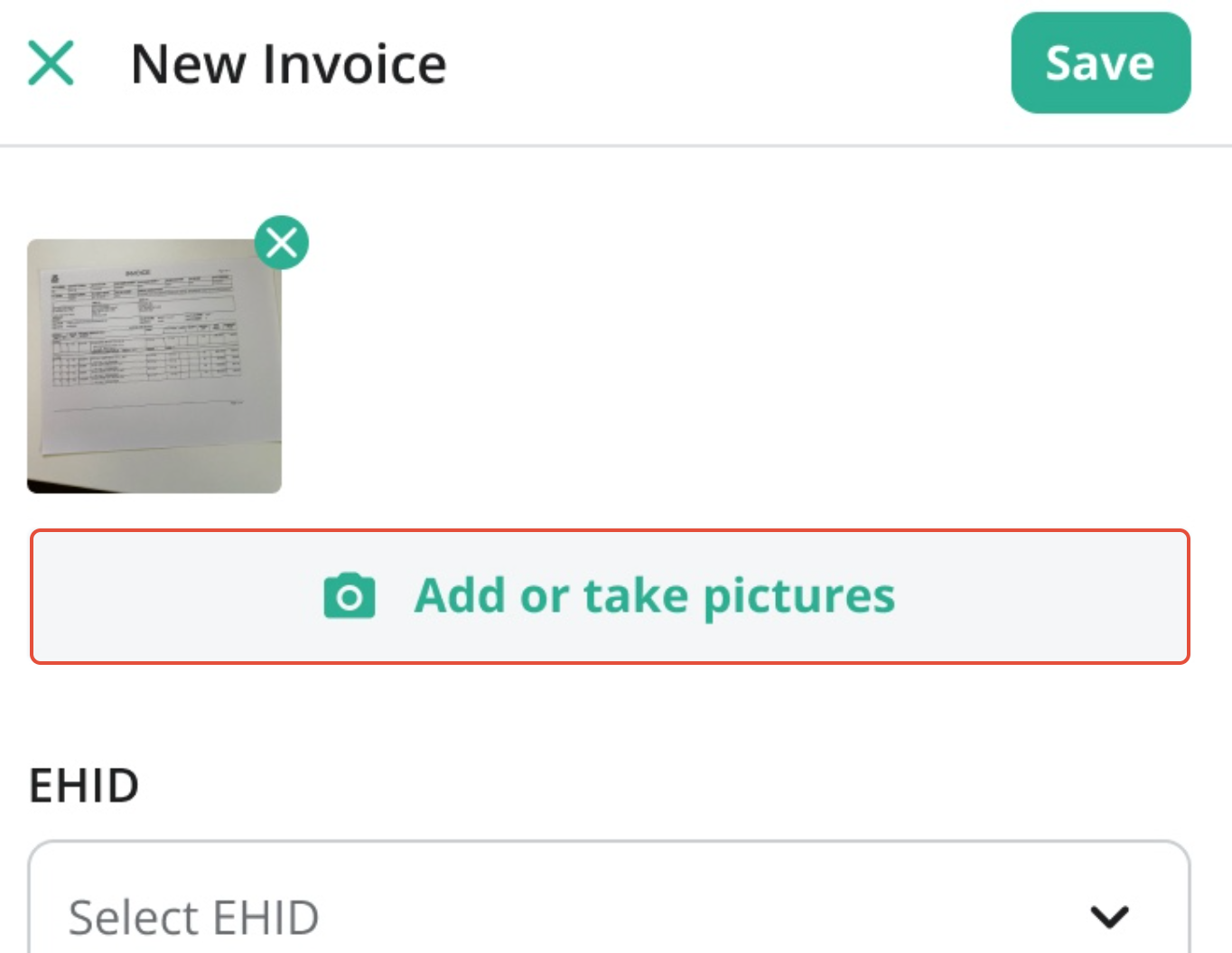
- Attach Files or Photos — Use your mobile camera to snap pictures of invoices or upload files from your device.
Was this article helpful?
That’s Great!
Thank you for your feedback
Sorry! We couldn't be helpful
Thank you for your feedback
Feedback sent
We appreciate your effort and will try to fix the article